
Plain text can look boring and ordinary, making your messages easy to overlook. A text decorator transforms simple text into stylish, eye-catching designs using unique Unicode characters and symbols.
What is Text Decorator?
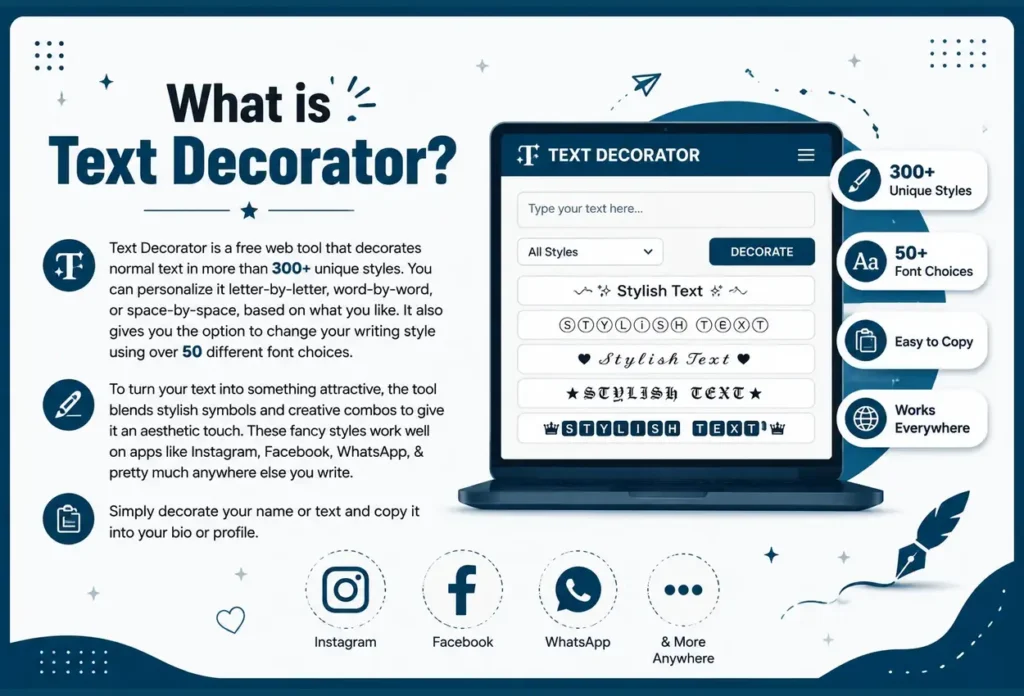
Text Decorator is a free web tool that decorates normal text in more than 300+ unique styles. You can personalize it letter-by-letter, word-by-word, or space-by-space, based on what you like. It also gives you the option to change your writing style using over 50 different font choices.
To turn your text into something attractive, the tool blends stylish symbols and creative combos to give it an aesthetic touch. These fancy styles work well on apps like Instagram, Facebook, WhatsApp, & pretty much anywhere else you write. Simply decorate your name or text and copy it into your bio or profile.
How to Use Text Decorator?
Here are 3 simple steps below
Step 1
Type your text into the top box.
Step 2
Choose your favorite style.
Step 3
Copy and paste the style you choose in your desire place.
Best Places to Use Styled Text
Fancy text used in profile names, greeting messages, announcements, or anywhere you want your words to be eye-catching. It’s compatible with Instagram, TikTok, WhatsApp, Discord, and most platforms that support Unicode characters.
Keep it Brief for the Best Look
Decorations wrap extra symbols around your words. A simple name like “Luna” framed with stars and moons comes across as classy and neat. But a lengthy sentence dressed in the same symbols can look messy & hard to read. Try starting with a short phrase first & check how it turns out before going longer.
Frequently Asked Question
Text decorator is a free online tool which wraps your text around decorative symbols, frames & borders which you can copy and paste in Tiktok, Instagram, & facebook etc.
It totally depends upon the game, some games restrict symbols & some allow symbols. Test the decorative text before using it in any game.
Almost all modern devices support decorated unicode characters. Some older mobile devices may not render some unicode characters so, try different style
Yes, you can style your text letter-by-letter, word-by-word, or space-by-space based on your preference.
Yes, it completely follows the privacy rules. Just avoid very long or cluttered text, because short phrases usually look neat & clean and more elegant.
Explore More Fonts
Calligraphy Fonts
Italic Fonts
Bold Fonts
Inverted Text Generator
Preppy Fonts
Text Decorator
Twitter/X Fonts
Roblox Fonts
Free Fire Fonts
Instagram Fonts
Fortnite Fonts
Minecraft Fonts
