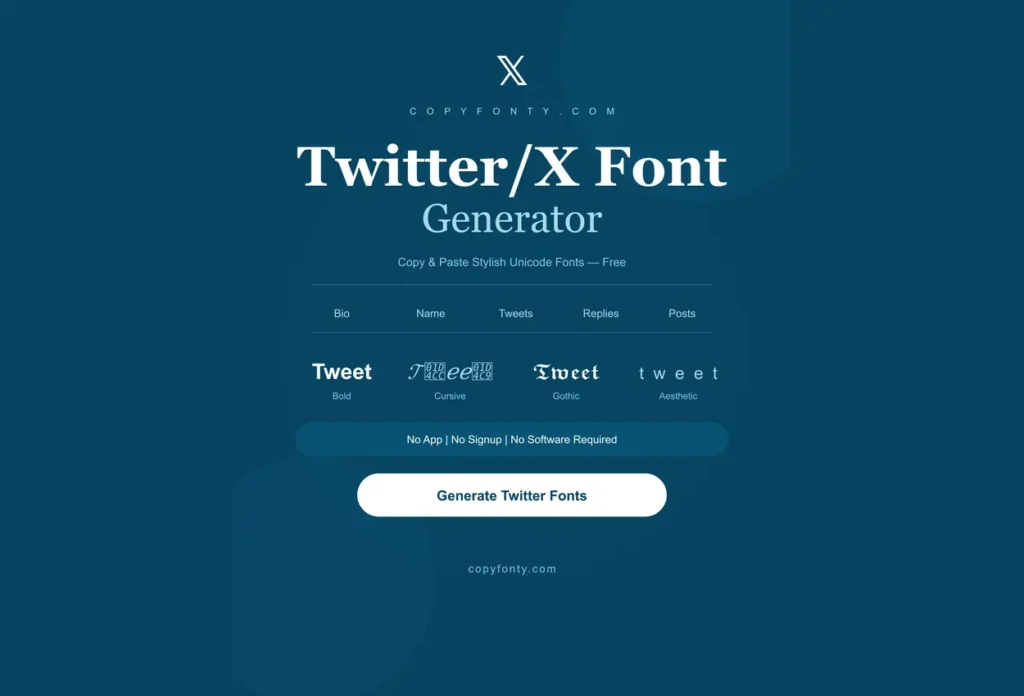
Simple & plain text looks boring. Upgrade your twitter/X, instagram, tiktok & discord profile with our stylish twitter/x fonts. 300+ fonts, completely free, no sign-up needed.
Twitter/X Font Generator
Want a fresh look on twitter/X? Use our twitter/X font generator in your bio, name, tweets, replies & posts to make your online presence professional. You can also use these fonts on other platforms because fonts on twitter contain unicode characters supported by almost all platforms & browsers. There is no need for any software, sign-up or app, Just copy & paste.
Where to Use Fonts on Twitter?
fonts on twitter can be used for various purposes:
You can use fonts on twitter in your bio, display name, tweets & replies to make your account eye-catching. When your account looks professional, your followers will increase automatically. Use twitter/X fonts onto your images, GIFs & memes. You can use twitter/X fonts for your social media platforms like Instagram, Facebook, Tiktok, LinkedIn etc.
Use twitter/X font generator in your chats to make your messages attractive, so people can’t ignore your message. You can also use fonts on twitter in your pages, planners & websites.
How to Choose the Right Twitter/X font Font?
Before publishing, always check it on mobile, that it should be readable. Stylish fonts on twitter work best when you use them to highlight important things, such as your bio, display name, pinned posts, or special announcements. If fancy fonts are used in every place, nothing will stand out. Use regular text for most tweets and add styled fonts only to important posts. This makes better contrast and helps your key content get more eye-catching.
If you want a font for your brand or business, always examine carefully the style of your message. Don’t mix more than two font styles, it will make your presence unprofessional. Business & professional accounts usually look better with simple, neat or slightly bold.
How to Use Twitter/X Font Generator?
Here are three simple & easy steps:
Step 1
Type your text into the top box.
Step 2
Copy the style which you want.
Step 3
Paste it into your desired place.
Popular Stylish Fonts on Twitter
● Bold : Thick, heavy letters, mostly used for emphasis and standing out in a tweet.
● Italic : Slanted letters used for a soft & stylish touch.
● Bold Italic : Combines both for extra visual punch.
● 𝒞𝓊𝓇𝓈𝒾𝓋𝑒/𝒮𝒸𝓇𝒾𝓅𝓉 : Flowing, handwriting-style text, popular for bios and names.
● 𝔻𝕠𝕦𝕓𝕝𝕖-𝕤𝕥𝕣𝕦𝕔𝕜 : Outlined, hollow-style letters used for a unique look.
● 𝙼𝚘𝚗𝚘𝚜𝚙𝚊𝚌𝚎 : Typewriter/code-style text, that gives a clean techy vibe.
● Ⓒⓘⓡⓒⓛⓔⓓ : Letters in circles, great for short words or tags.
● 🅱🆄🅱🅱🅻🅴 : Rounded bubble letters, fun and playful.
● S̶t̶r̶i̶k̶e̶t̶h̶r̶o̶u̶g̶h̶: Crossed-out text, mostly used for jokes or corrections.
● U̲n̲d̲e̲r̲l̲in̲e̲: Underlined text used for subtle emphasis.
What Is Official Fonts on Twitter?
The interface of twitter/X is modern and clean, people want to know which typeface is this? The default font of twitter is Chirp. Before Chirp, Twitter used system fonts like Helvetica and Arial, so the text looked different on different devices. Later in January 2021 twitter/X launched its official font and was released to all users on August,11 2021.
Is the Chirp Font Available to Download?
No, Chirp is X’s (formerly Twitter’s) official font and is not available for public download. If you want a similar look, you can use clean sans-serif fonts like Helvetica, Arial, or Inter. The sites which give you free chirp fonts have unofficial files & don’t have any legal license.
Chirp vs Twitter/X Fonts
| Feature | Chirp (Twitter’s Font) | Unicode Twitter Fonts |
|---|---|---|
| What it is | Twitter’s proprietary UI typeface | Unicode characters that look like styled text |
| Where it works | Twitter interface only | Bio, display name, tweets, replies, everywhere |
| Can you download it? | No (proprietary) | No download needed — just copy paste |
| Works in your bio? | No | Yes |
| Free to use? | No commercial license available | Always free |
Twitter/X Fonts vs Regular Fonts
| Feature | Regular Fonts | Twitter Fonts (Unicode) |
|---|---|---|
| Need software? | Yes | No |
| Paste into Twitter bio? | No | Yes |
| Show up in tweets? | No | Yes |
| Work in display name? | No | Yes |
| Work on iPhone? | Limited | Yes |
| Work on Android? | Limited | Yes |
| Free? | Varies | Always |
| Need download? | Yes | No |
Frequently Asked Questions
Yes, all modern mobile devices like iOS, Android support unicode characters & twitter/X fonts work on all of them.
Yes, You can use twitter/X fonts in your bios & display name.
Twitter lets you change the text size for your own screen in Settings > Accessibility > Display and Sound. If you want everyone to see stylish text in your bio or posts, use this twitter/X font generator.
Yes, Twitter has a 280-character limit. Some Unicode font styles use more than one character for a single letter, so your text may reach the limit faster. After pasting your styled text, check Twitter’s character counter. If you’re over the limit, choose a simpler font style.
Yes, when you paste styled text in your tweets, it’ll show you & your audience the same.
Explore More Font Styles
Small Fonts
Calligraphy Fonts
Italic Fonts
Bold Fonts
Inverted Text Generator
Preppy Fonts
Text Decorator
Number Fonts
Facebook Fonts
Roblox Fonts
PUBG Fonts
Free Fire Fonts
Discord Fonts
