Small Text Generator: Create Tiny Fonts You Can Copy and Paste
Sometimes you don’t want your text to look bold or big to catch people’s attention, sometimes something smaller or tiny can also fit well in instagram bio, discord name or tiktok profile without taking much space. Small text, also called tiny text, mini text, or small font text, is made using special Unicode characters that look smaller than ordinary letters. You can create the text online, copy it, and paste it into places where you normally type regular text.
For example:
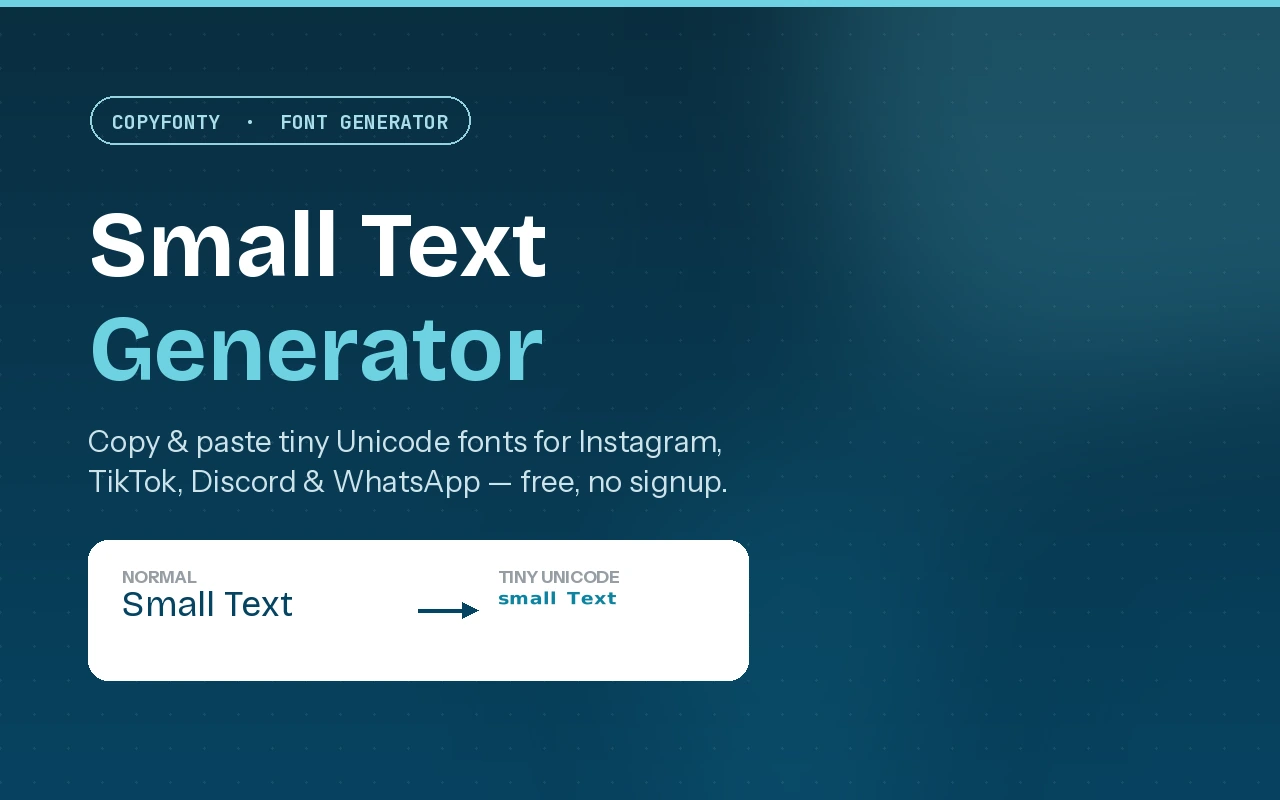
Normal text:
Small Text
Tiny text:
ˢᵐᵃˡˡ ᵀᵉˣᵗ
Small caps:
ꜱᴍᴀʟʟ ᴛᴇxᴛ
If you want to try it right away, you can use the Small Font Generator on CopyFonty, type your text, choose a style, and copy the result.
What Is Small Text?
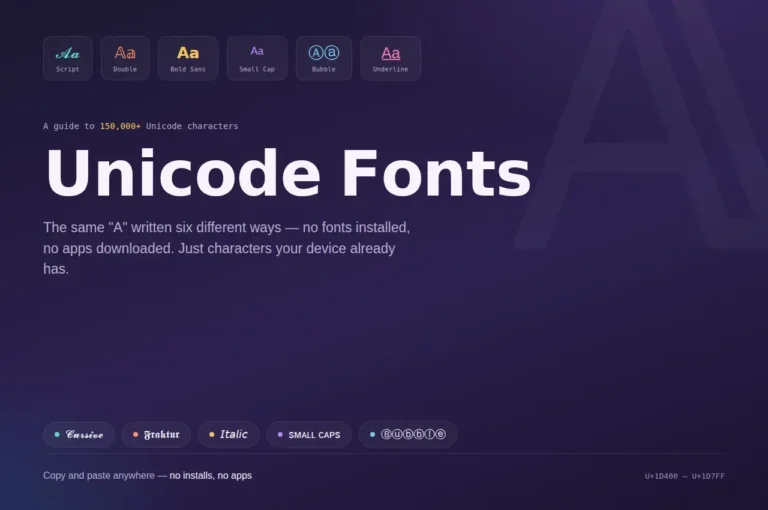
Small text is text that uses Unicode characters which are designed in a way that appear smaller, raised, lowered, or more compact than normal letters.
Superscript: ʰᵉˡˡᵒ
Small caps: ʜᴇʟʟᴏ
Subscript: ₕₑₗₗₒ
These styles give plain text a completely different appearance. The main reason they are useful is simple: you can copy the characters as text instead of uploading an image. That means you can use tiny text in a social media bio, username, caption, status, or message without having to create a graphic first.
Is Small Text Actually a Smaller Font?
Not exactly. This is one of the most confusing things about tiny fonts. If you open Microsoft Word and change a sentence from 16px to 8px, you are only changing the visual size of the existing font. When you copy that text somewhere else, the formatting may not come with it. Unicode small text works differently. So when you copy the result, you’re copying those actual Unicode characters. That’s why tiny text can work in many places where normal font formatting isn’t available.
For example:
Regular:
Hello
Small caps:
ʜᴇʟʟᴏ
Superscript:
ᴴᵉˡˡᵒ
So when you copy the result, you’re copying those actual Unicode characters. That’s why tiny text can work in many places where normal font formatting isn’t available.
Small Text Styles You Can Try
- Superscript Text: Superscript text sits above the normal writing line. Example: ˢᵐᵃˡˡ ᵗᵉˣᵗ. You may recognize this style from mathematics. For example, the number 2 in x² is a superscript character. On social media, people use the same visual idea for short bios, usernames, captions, and aesthetic text. Superscript works particularly well when you only want a few words to look different.
- Small Caps: Small caps are easier to read than very tiny superscript characters in many situations. Example: ꜱᴍᴀʟʟ ᴄᴀᴘꜱ. The letters have an uppercase-like shape, but they appear much smaller and more compact. This makes small caps useful for: Instagram bios, Discord profiles, Short usernames, Brand names , Headings and Social media descriptions
- Subscript Text: Subscript characters sit below the normal writing line. For example: H₂O. You have probably seen this style in chemistry. Some generators also provide subscript-style characters for creative text: ₛₘₐₗₗ. Subscript isn’t as common for social media bios as superscript or small caps, but it can be useful when you want a lower, footnote-like appearance.
How to Make Tiny Text
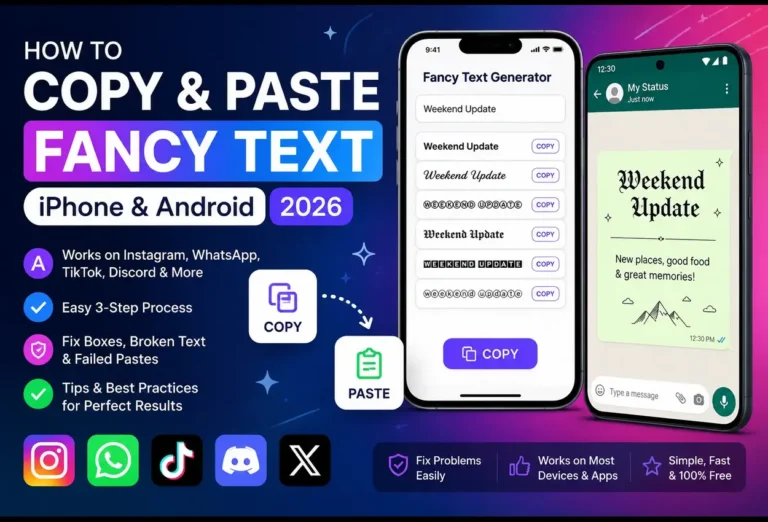
The easiest way is to use an online small text generator.
Step 1: Enter your text
Open the CopyFonty Small Font Generator and type a word, name, phrase, or short sentence.
Step 2: Choose the style
The generator converts your text into different small and tiny styles.
Step 3: Copy the Style you like
Click the copy button next to the style.
Step 4: Paste it wherever you need it
Open Instagram, TikTok, Discord, WhatsApp, Facebook, or another app and paste your text.
Where Can You Use Small Text?
Instagram is one of the most common places to use small text. Using two different text styles creates a simple visual hierarchy. You don’t need to make every line tiny. In fact, keeping the main information in normal text can make the bio easier to scan.
TikTok
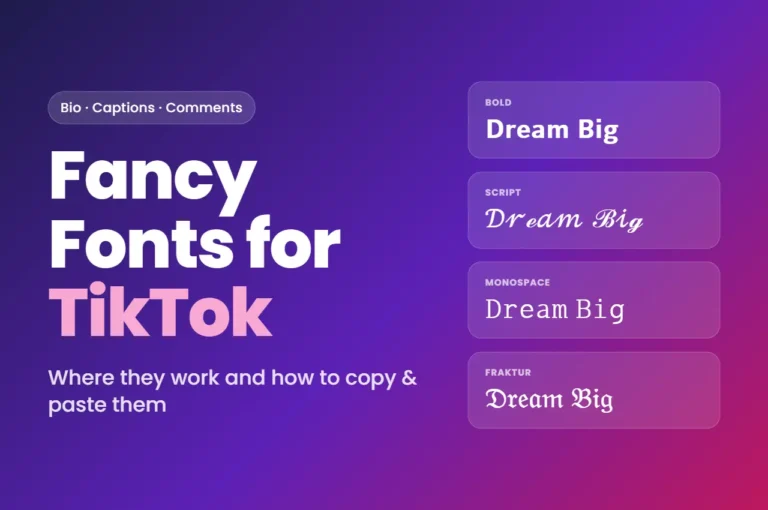
Tiny text can also be used in TikTok bios and other profile text. A short phrase such as: ᵗᵃᵏᵉ ᵗʰᵉ ʳⁱˢᵏ can have a very different feel from the same words in regular text. In this way you can catch people’s attention and grow your tiktok account.
Discord
Discord users often experiment with Unicode characters when creating usernames and profile descriptions. Small caps can be useful when you want something different without using an extremely decorative font. For example: ᴘʀᴏ ɢᴀᴍᴇʀ is much easier to read than some of the heavily decorated Unicode styles.
You can also paste Unicode small text into WhatsApp messages and statuses. It’s useful for short words or phrases where you want to add a little visual variation. You can also use it in whatsapp bio.
Small text can be used in posts, comments, profile information, and other text fields that accept Unicode characters. The exact appearance can vary depending on the app and device being used. Try using different tiny styles.
Small Text vs Normal Font Size
| Feature | Normal Font Size | Small Unicode Text |
|---|---|---|
| What it does | Changes the size of a font | Uses different Unicode characters |
| Control | Usually controlled by an app or editor | You choose a character style |
| When copied | Formatting may not survive when pasted elsewhere | Unicode characters usually remain |
| Common on | Word, Photoshop, websites, etc. | Social media profiles and messages |
| Example | Hello (8px in an editor) | ʜᴇʟʟᴏ |
| You choose | A font size | A character style |
Why Does Small Text Look Different on Different Devices?
Unicode characters are displayed using the fonts available on the device and platform. Most modern phones and computers handle common Unicode characters without a problem. However, less common characters may look slightly different depending on the operating system, browser, or app.
In some cases, an unsupported character may appear as a square or empty box. If you’re creating a username or bio that other people need to read, it’s a good idea to check the final result before publishing it. This is especially important when using unusual Unicode characters.
Should You Write an Entire Bio in Tiny Text?
You can, but you probably don’t need to but there is a better approach is to mix regular text with small text. For example: DIGITAL MARKETING ꜱᴇᴏ • ᴡᴏʀᴅᴘʀᴇꜱꜱ • ᴄᴏɴᴛᴇɴᴛ. The first line is easy to notice, while the second line adds a smaller visual detail. This works because the difference in size creates contrast. If everything is tiny, nothing really stands out.
Tips for Using Tiny Fonts
A few simple rules can make small text look much better.
- Keep important information readable: Don’t make an entire paragraph tiny just because you can.
- Use small text for short phrases: Names, taglines, subtitles, and short descriptions usually work better than long sentences.
- Try small caps if superscript is difficult to read: Small caps generally have a more stable baseline.
- Check the result before publishin :A character that looks fine on your phone may appear slightly different on another device.
- Don’t overuse different styles: One or two styles are usually enough. Mixing five different Unicode styles can make a profile look messy.
Frequently Asked Questions
What is a small text generator?
A small text generator converts ordinary text into Unicode characters that appear smaller, raised, lowered, or more compact. You can then copy and paste the generated text into supported apps and websites.
Is small text the same as a tiny font?
Not exactly. A traditional font changes how existing characters are drawn. Small text generators generally use Unicode characters that already have a small or modified appearance.
Can I copy and paste small text?
Yes. That’s one of the main reasons people use small text generators. Generate the text, copy it, and paste it into a supported text field.
Can I use small text on Instagram?
Yes, Unicode characters can be used in many Instagram text fields, including bios and captions. The exact appearance can vary depending on the characters and platform.
Does tiny text work on TikTok?
Unicode small text can be pasted into supported TikTok text fields such as profile information. As with other platforms, unusual characters may render differently on some devices.
Can I use small text on Discord?
Yes. Discord supports many Unicode characters, which makes small caps and other tiny-looking styles useful for profiles and creative usernames.
Why are some letters not available in superscript?
Unicode does not contain a complete superscript version of every letter. Some letters therefore don’t have a direct superscript equivalent.
Is a small text generator free?
Yes. You can use the CopyFonty Small Font Generator to create small and tiny text and copy the results without installing a font.