Fancy Fonts for TikTok: Where to Use Them & How to Paste
Have you ever seen stylish fancy fonts in someone’s TikTok bio, comments & captions? Actually they are using unicode characters that almost every platform supports. The official font of TikTok is TikTok Sans, there is no font setting in the TikTok app. Fancy fonts for TikTok are easy to use, even though the app has no font setting. In this article we’ll guide you on how & where you can use fancy fonts on TikTok.
Video Text vs. Copy-Paste Fonts on TikTok
TikTok has no font setting for your profile, so there are two different ways to style text. They look similar, but they work in different places. Here is how they compare.
| Feature | Video Text Tools | Copy-Paste Fonts |
|---|---|---|
| What it is | Text you add inside the video editor, or in an app like Canva | Special letters made by a font generator |
| Where it works | On top of your video | Bio, display name, captions, comments |
| Can viewers copy it? | No, it is part of the video picture | Yes, it is real text |
| How you get it | Pick a style in the editor (classic, neon, typewriter) | Type, copy, then paste into TikTok |
| Can you edit it later? | Only before you post | Yes, you can edit your bio or caption anytime |
| Works on every phone? | Yes, it is just an image | Mostly, but some older phones show empty boxes |
| Easy for screen readers? | Not as readable text | Often read badly or skipped |
| Best for | Titles, hooks, and subtitles on screen | Standing out in your profile and captions |
Where You Can Use Fancy Fonts For TikTok?
You can use Fancy Fonts for TikTok in various places, but each one of them works a little differently.
- Display name: This is the name people see on your profile and in comments. Fancy fonts work here, always test the name on another phone before you publish, because some styles show up as empty boxes on older devices.
- Bio: Fancy fonts work here too. TikTok allows 80 characters & styled letters may take up more space, so check the counter before you save.
- Video captions: Style a short hook of 3 to 6 words and write the rest in regular text.
- Comments: A little bold or italic is enough to add emphasis.
- @username: Fancy fonts usually do not work here, so use normal letters.
How to Change your TikTok Bio Font?
There are few simple steps to follow:
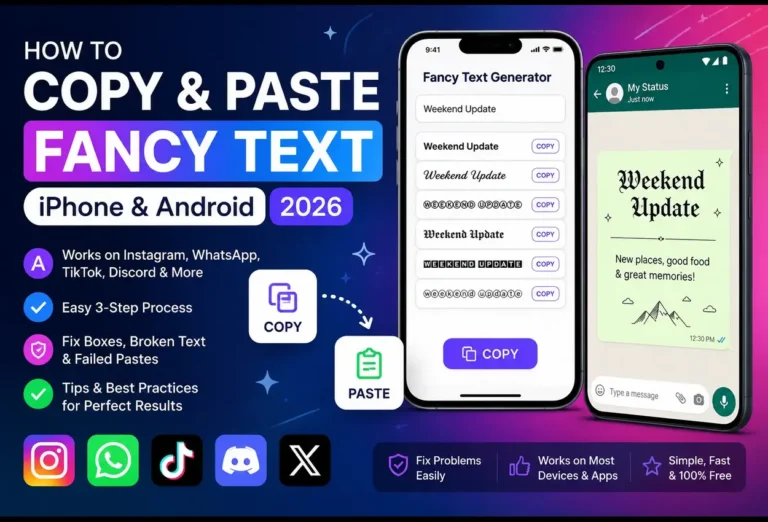
- Open a TikTok font generator.
- Type your plain text into the top box.
- Choose your favourite style.
- Go to your TikTok profile & tap Edit.
- Tap bio, paste your text & save it.
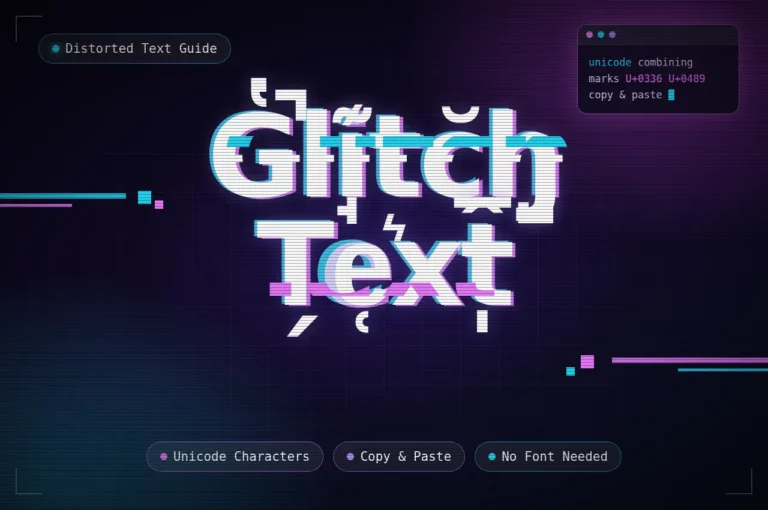
You can also visit: Glitch Text
Make Your Captions & Comments More Stylish
Always keep your caption eye-catching, because your caption is the most important thing that people notice most. Don’t mix different styles because it will look disorganized. Use fancy style for 3 to 6 words & keep the rest of caption simple, so people read it easily. In comments, use little bold or italic & don’t use zalgo text because it makes a mess.
Pick the Right TikTok Font Style for Your Vibe
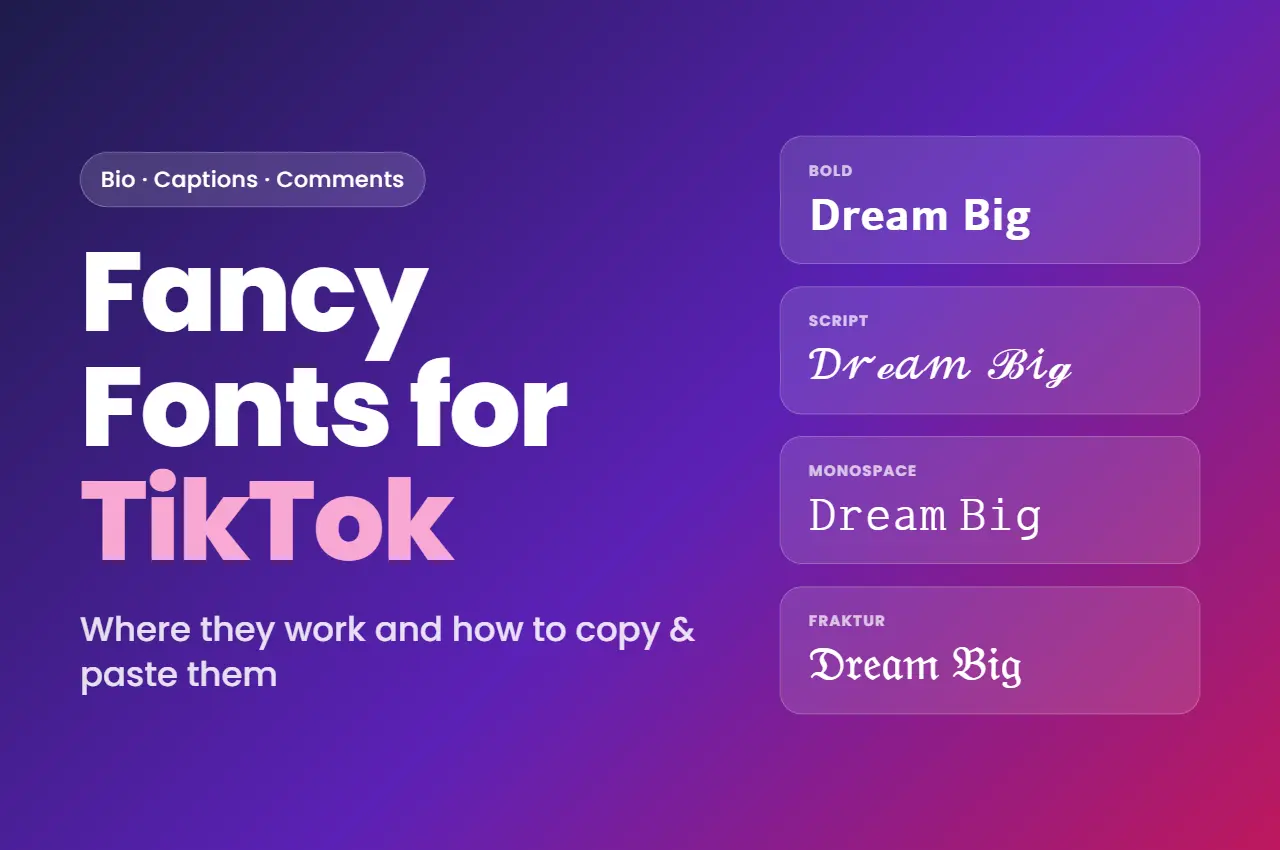
Your best font depends on the kind of videos you make and the mood you want people to feel. These four styles look great and display properly on most phones.
| Style | Example | Feels like | Great for |
|---|---|---|---|
| Neat and professionalBold sans-serif | 𝗗𝗿𝗲𝗮𝗺 𝗕𝗶𝗴 | Tidy and confident, never over the top. Easy to read on a small screen. | Business bios, coaches, everyday creators |
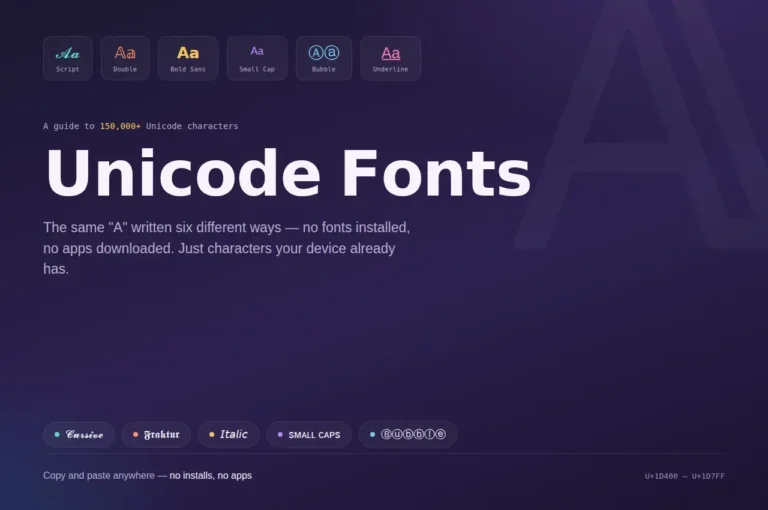
| Soft and stylishScript (cursive) | 𝒟𝓇ℯ𝒶𝓂 ℬ𝒾ℊ | Graceful and handwritten, with a gentle, polished touch. | Beauty, fashion, lifestyle, wellness |
| Simple and modernMonospace | 𝙳𝚛𝚎𝚊𝚖 𝙱𝚒𝚐 | Every letter has the same width, like an old typewriter. Clean and minimal. | Photographers, tech creators |
| Strong and edgyFraktur (blackletter) | 𝔇𝔯𝔢𝔞𝔪 𝔅𝔦𝔤 | Grabs attention right away and is hard to forget. | Musicians, streetwear brands |
Why Doesn’t TikTok Support Some Fancy Fonts?
If TikTok doesn’t support some fonts, do not panic because it’s very easy to fix. When TikTok doesn’t support your name, remove zalgo messy marks & use simple text. When you see empty boxes ☐ ☐ ☐ ☐ ☐ instead of letters, use different style because some old devices also doesn’t support unicode characters. And if your text shows up as plain letters, so your keyboard or clipboard app may have removed the styling, in that case go to fancy fonts for TikTok, copy & paste it again.
Frequently Asked Questions
TikTok doesn’t allow fancy fonts for username, but you can use it for your display name.
TikTok’s video text tool has its own fonts. Fancy pasted letters may or may not work there, so always check first. Captions & comments are the safer choice.
Why did some styled TikTok comments show up as boxes?
Some old devices didn’t support unicode characters, in that case use bold or italic.
No, there is no character limit for stylish text, tiktok count stylish text same as plain text.