Instagram Bio Font: How to Change it Step by Step Guide 2026
The first thing that people notice in your instagram profile is your bio. If your bio is eye-catching & professional, people will follow you. Instagram doesn’t actually offer built-in font options, there are no hidden font options in your settings & no other way to change it. Instead creators, brands & everyday users always use unicode characters. In this article, you will learn step by step how Instagram bio font actually works.
Why Instagram Doesn’t Have a Native Font Changer?
Before jumping into the steps, you should need to understand why this trick even exists:
Instagram’s app is built to display text using a single system font for consistency across all devices like Android, iPhone & web. If Instagram let everyone choose stylish custom fonts freely, there would be inconsistency in the platform’s look & load speed, and the result (screen readers) would suffer. So instead of a font in a traditional sense, what people are actually using is special unicode characters that look like styled letters (italic, glitch, freaky,gothic etc.) but they are technically unique symbols, not a font file.
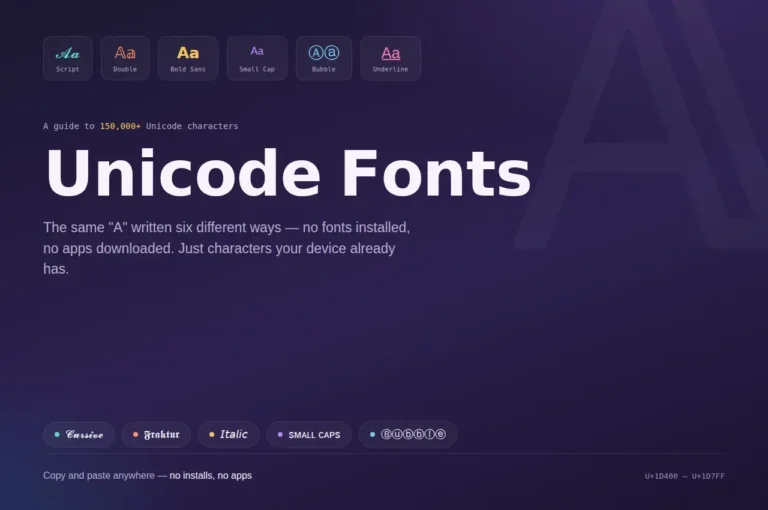
The standard letter B uses the Unicode code U+0042 , but Unicode also includes hundreds of B-like characters in bold, italic, cursive, and other styles that Instagram treats as separate characters while they appear as styled text to readers. Unicode is supported across all platforms, that’s why these characters show correctly on instagram, twitter/X, tiktok, discord, whatsapp etc, without violating Instagram terms.
Change Your Instagram Bio Font in Simple Steps
Here are some simple steps below:
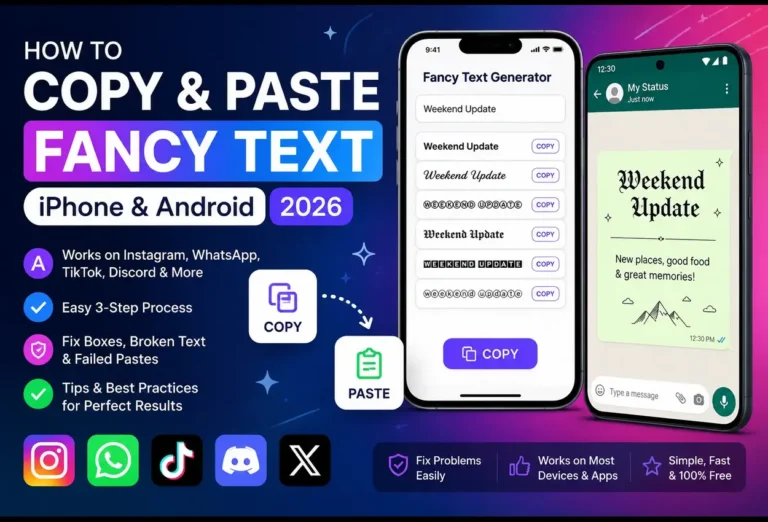
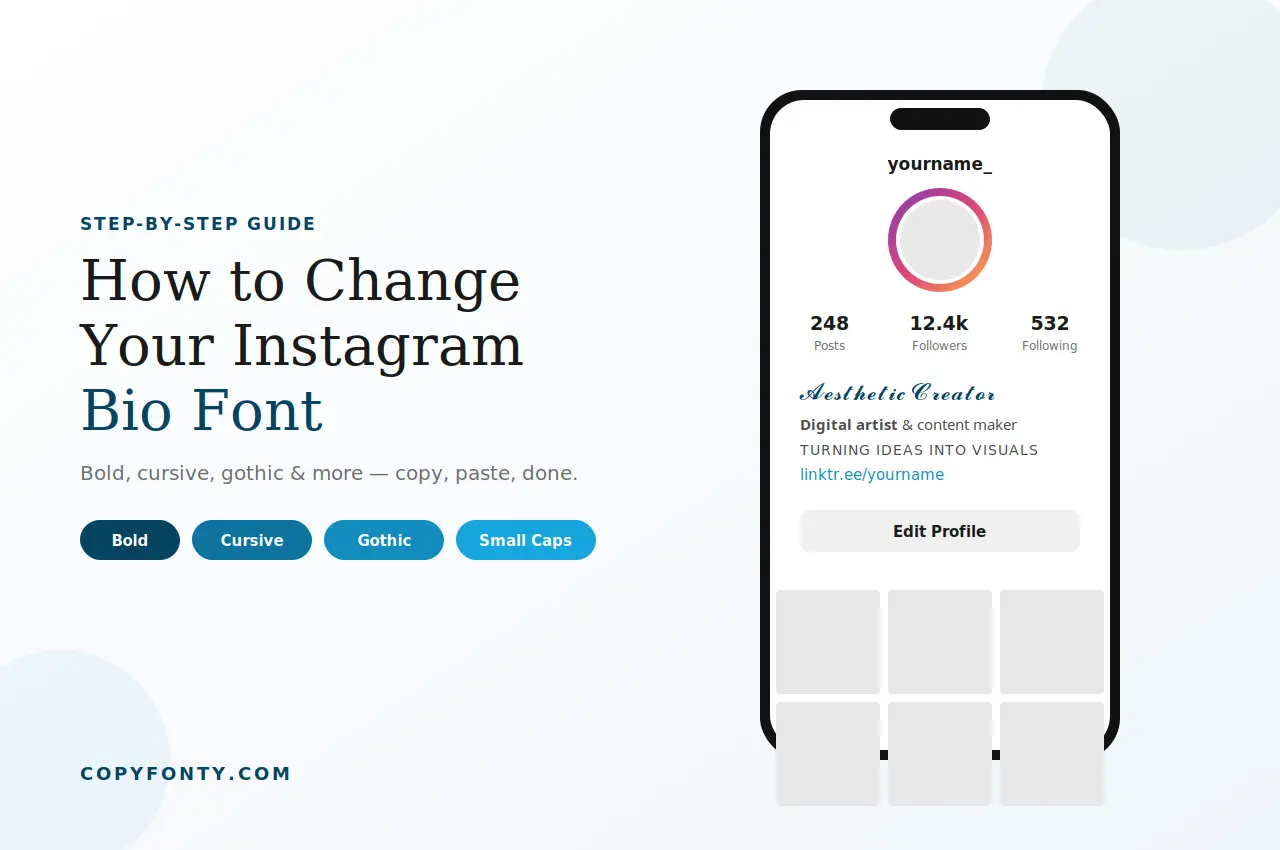
Step 1: Search for a free online Instagram font generator. It’s completely free, and works on almost all mobile devices & desktop, no app required, no sign-up needed. Our tool copyfonty.com offers different stylish fonts, like (cursive, bold, italic, small, calligraphy, gothic etc.) specifically useful for Instagram bios.
Step 2: Type your simple text, which you want for your bio & description. Our tool instantly generates multiple styled text below.
You’ll typically see categories like:
𝐁𝐨𝐥𝐝 𝐭𝐞𝐱𝐭 : Best for Emphasis & Headlines.
𝓒𝓾𝓻𝓼𝓲𝓿𝓮 𝓽𝓮𝔁𝓽 : Best for Aesthetic & Elegant Bios.
𝔊𝔬𝔱𝔥𝔦𝔠 𝔱𝔢𝔵𝔱 : Best for Dark & Moody Branding.
Fullwidth : Best for Minimal & Clean Look.
ᴛɪɴʏ ᴄᴀᴘꜱ : Best for Subtle Style Accents.
Step 3: Pick your favourite style by double tap on the text or click on the copy option beside your text.
Step 4: Paste it Into Your Instagram Bio.
- Open your Instagram app
- Click on your profile icon (bottom right)
- Click on Edit Profile
- Click on the Bio field
- Long-press and select Paste
- Tap Done (top right) to save changes
Tips for Using Stylish Instagram Bio Fonts
Styled text can make your profile stand out. A few small habits keep it looking intentional instead of cluttered.
Don’t overdo it
One or two styled words like your name or a short tagline tend to look more intentional than an entire paragraph in cursive or gothic script, which can become hard to read on smaller screens.
Check readability on mobile first
Some Unicode styles render inconsistently across older Android devices. Always preview your bio on your own phone before finalizing.
Combine styles strategically
Many creators pair a bold name with a small caps tagline underneath for clear visual hierarchy.
Use emojis sparingly
Emojis alongside styled text can break up sections of your bio nicely without letting the overall look feel cluttered.
Avoid styled fonts in your username
Instagram usernames only support standard Latin characters. The font trick only works in the bio and name field, not your @handle.
Instagram Bio Fonts Common Issues & Fixes
- If your phone doesn’t show stylish text correctly, it means the specific unicode block isn’t supported on your device’s operating system version, in this case try a different style or update your phone’s software.
- If your pasted text looks like empty boxes (▢▢▢▢▢▢), it means your device can’t properly display that specific Unicode character or font style. In this case choose a more widely-supported style like Bold or Italic.
- Your bio reached the character limit sooner than expected. This happens because some stylish Unicode characters use more space than normal letters. If your Instagram bio reaches the 150-character limit, try making the text a little shorter.
You can also visit our Instagram Fonts Generator tool page.
Frequently Asked Questions
No, these are only standard unicode characters, that doesn’t violate the instagram Terms of Service.
No, you don’t need to install any App. Just search for an online font generator, type your simple text, pick your favorite style, copy and paste it in your desired place.
Yes, but Unicode is a universal standard, some extremely rare or newer unicode blocks may not show correctly on old devices.
Yes, the same process you can apply for your captions & comments, also you can use this for your Instagram stories text.